Skip to content
KameleonAI
Build log1 min read

Prototype #1: a cabinet, a cable tie and a lot of hope

Our very first prototype was held together by cable ties and optimism. It worked. Sort of. Here’s what we learned.
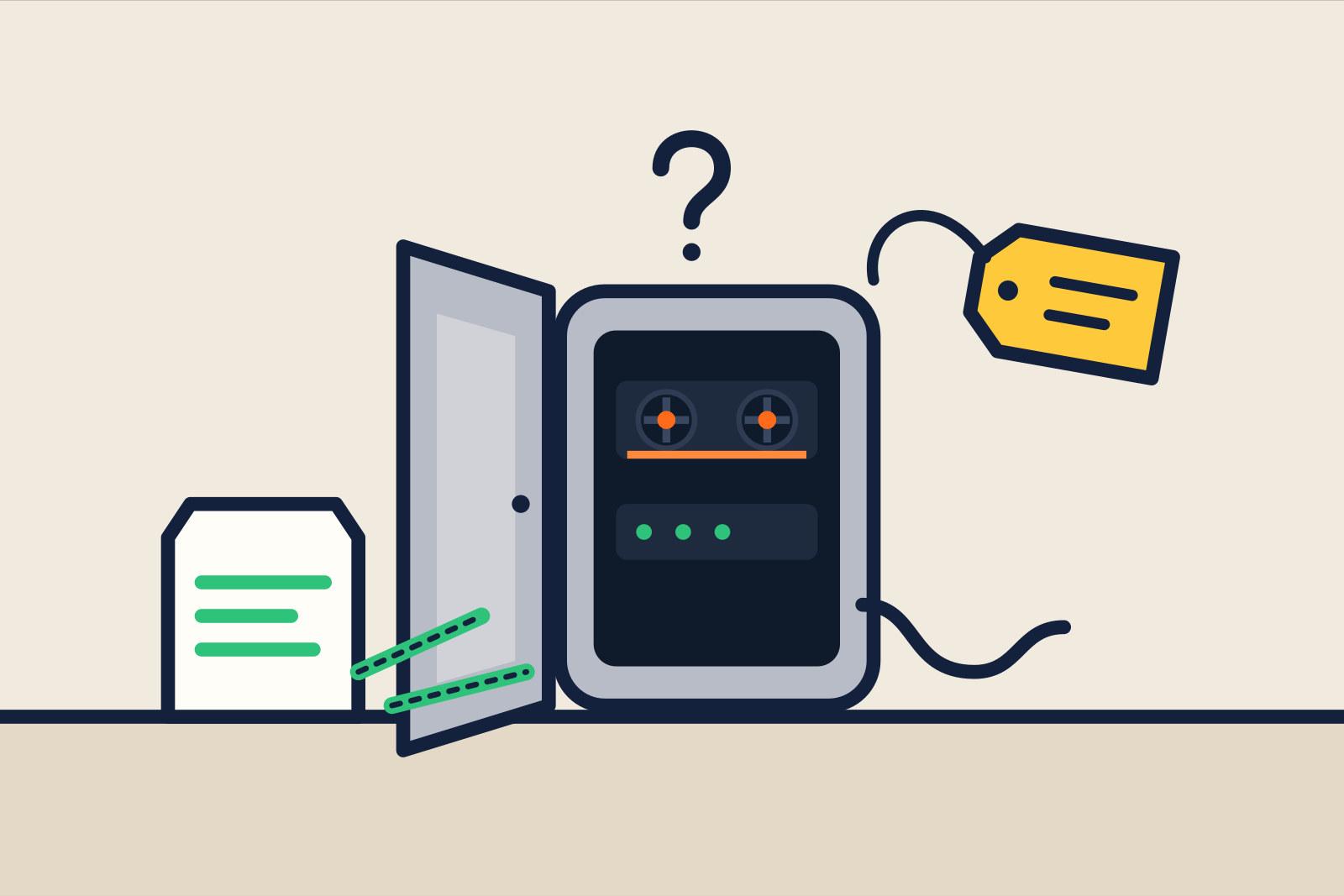
Our grey first prototype, opened up: a small cabinet with two modules

Everyone starts somewhere. We started with a second-hand server cabinet from an online marketplace, a compute card we’d managed to get hold of with great difficulty, and a bag of cable ties from the DIY store.

What we wanted to prove

One thing: that an AI good enough for real office work can run on a single cabinet. Without the internet. Without a data centre.

The answer turned out to be yes. With a few caveats.
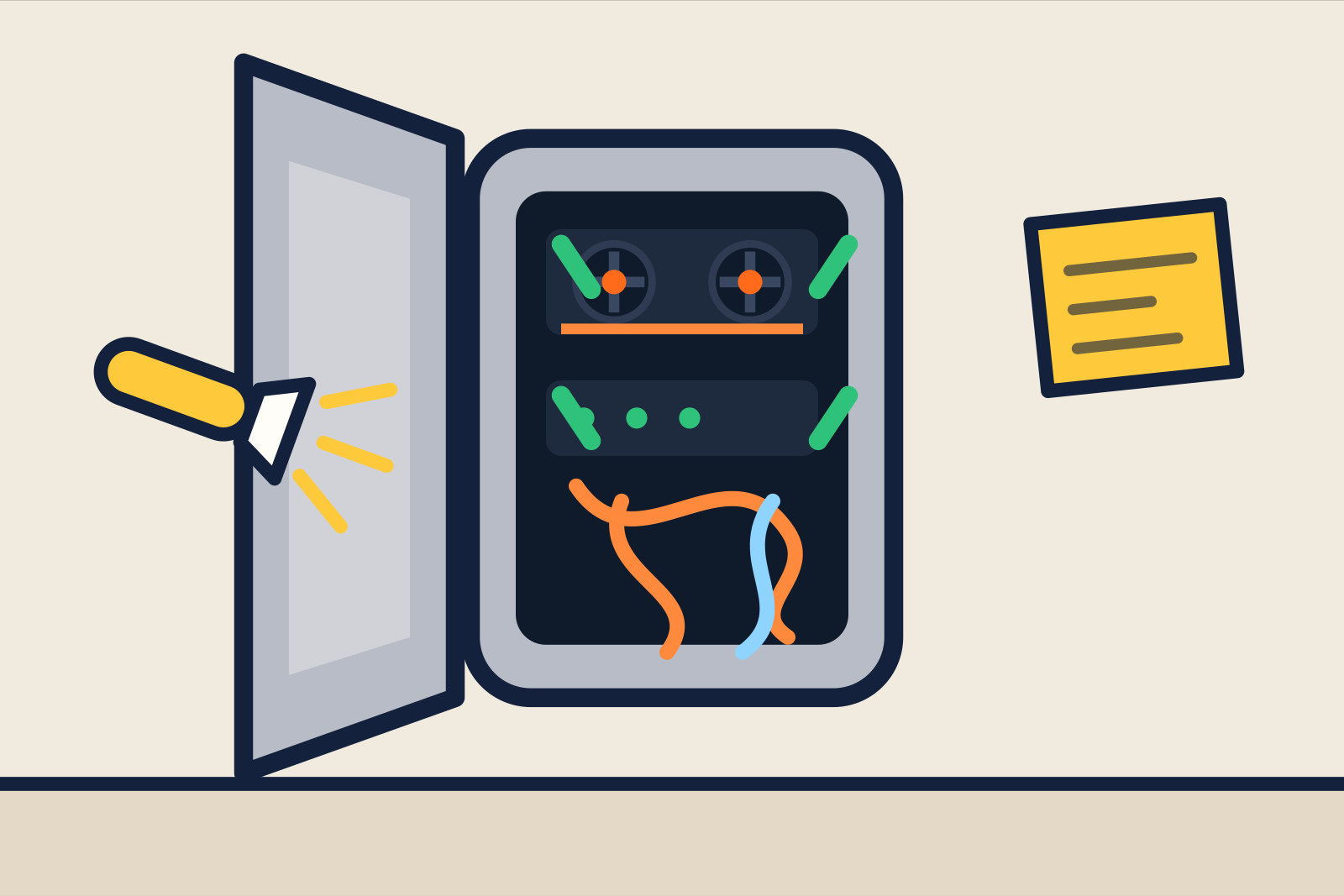
The inside of prototype 1: two modules in a grey cabinet, door open

The inside. Two modules, one cable tie short.

What went wrong

  • It was hot. After half an hour of questions you could have made a toastie on it. Not ideal.
  • It was loud. Think: vacuum cleaner. In an office. All day long.
  • It fell over. Not the software, the cabinet. One cable tie didn’t hold.

What went right

The AI itself worked surprisingly well. We gave it a stack of public policy documents and asked questions about them. The answers were spot on, with a reference to the right page. Throughout this test, the questions and documents stayed on the local system.

“This is the first time I’ve asked an AI something without being afraid it’ll end up somewhere else.” (Our first test user, a GP)

What’s next?

Prototype 2 needs to be quieter, cooler and sturdier. And we’ve decided it’s getting eyes. Why? More on that later.
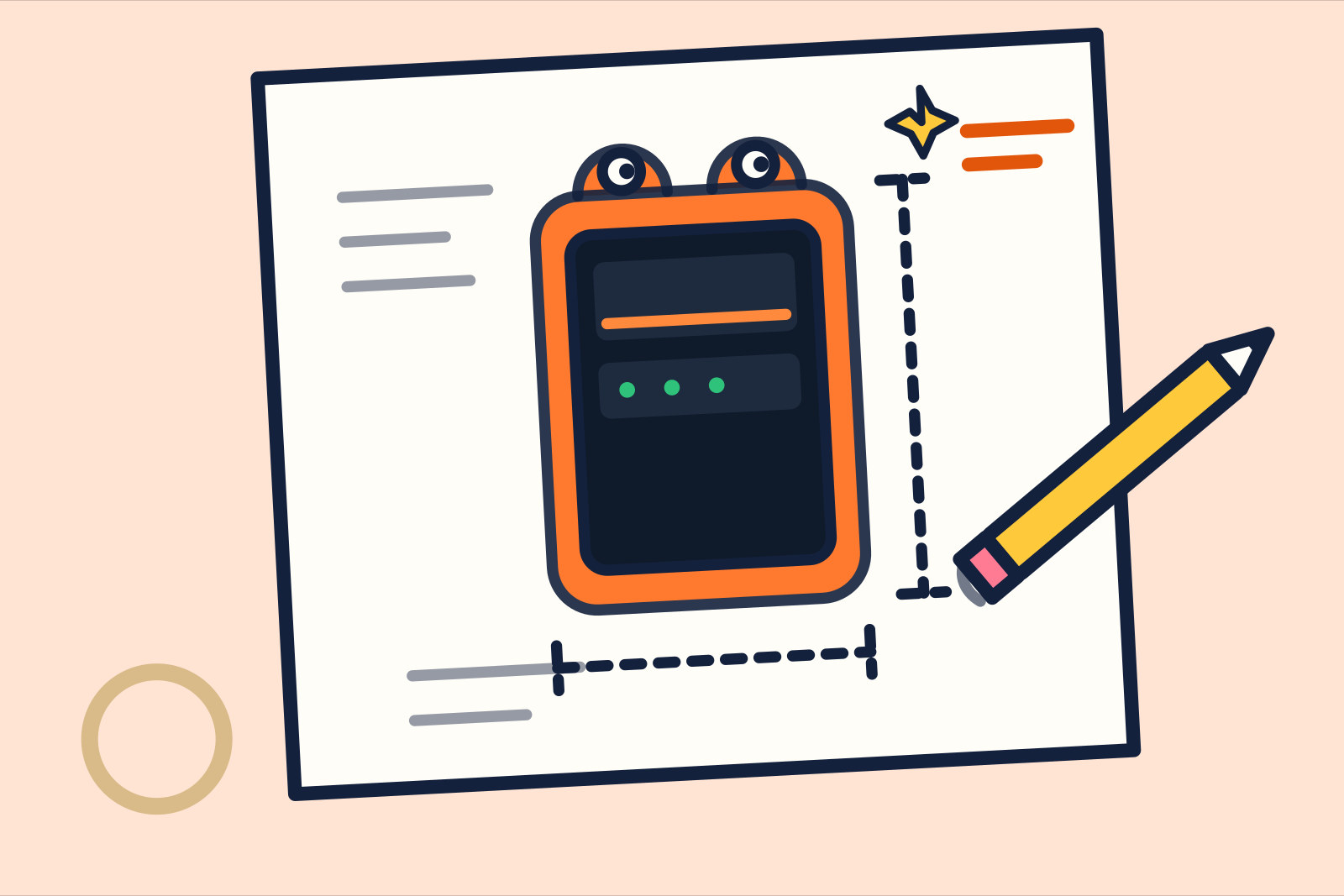
A first sketch of prototype 2: an orange cabinet with two eyes on top

A sneak preview of prototype 2. Yes, with eyes.
More from the journal

The midnight-blue Kameleon cabinet opened up, with all the modules separated
Behind the scenes1 min read

The thesis student who solders our cabinet

He was supposed to be researching how to manage offline AI securely. These days he builds the prototype too. A portrait of our most indispensable intern.

The orange Kameleon cabinet opened up, showing the fans of the compute modules
Build log1 min read

How loud is it? We measured the noise

A server cabinet in the office shouldn’t sound like an aeroplane. We brought a decibel meter and started measuring. With video.

Frequently asked questions

The five questions everyone asks

Short and honest. Want the full picture? The rest is on the FAQ page.

See all questions
What exactly does Kameleon do?

Kameleon is a cabinet with a complete AI inside, like the one you know from ChatGPT. The difference: it sits in your office, works without the internet and only reads your own documents. Colleagues can ask it questions, have it summarise texts or draft letters.

Does it really work completely without the internet?

Yes. The cabinet deliberately has no internet connection. Laptops talk to the cabinet over your own office network. Updates and new AI versions are delivered in person on an encrypted USB stick.

Can Kameleon access our data?

No. We have no remote access, because there is no internet connection. Only when you invite us and we come by in person can we do maintenance. And then you watch us do it.

What does it cost?

A Kameleon Mini starts at €14,950 one-off, plus a care package from €349 per month for maintenance and updates. The configurator shows you straight away what your configuration costs.

Can I try it first?

Yes, with a six-week pilot.